
How It Works
Discord access is controlled through roles. A paid role unlocks private channels, and losing that role immediately removes access. Suby automates the entire lifecycle.Granting Access
Once a payment is confirmed, the Suby bot assigns the paid role instantly, even if the user is not yet a member of your server. New members are invited automatically.
Removing Access
Access is revoked automatically when a payment fails, a card subscription fails to renew, or a crypto subscription is not renewed after the reminder period.
Notifications
The bot notifies members of successful payments, upcoming renewal reminders (crypto subscriptions), and access removal, reducing churn and confusion.
Free Days
Grant temporary access to any user using the
/freedays command. The role is assigned for a fixed period and removed automatically when it expires. Useful for trials, giveaways, or manual exceptions.Access Lifecycle
1
Customer pays
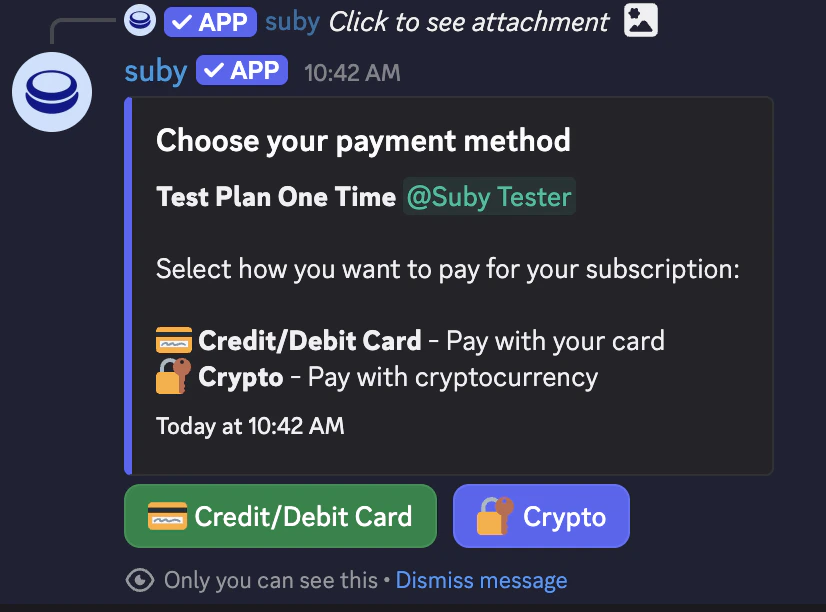
The customer completes payment via your PayLink or native Discord checkout.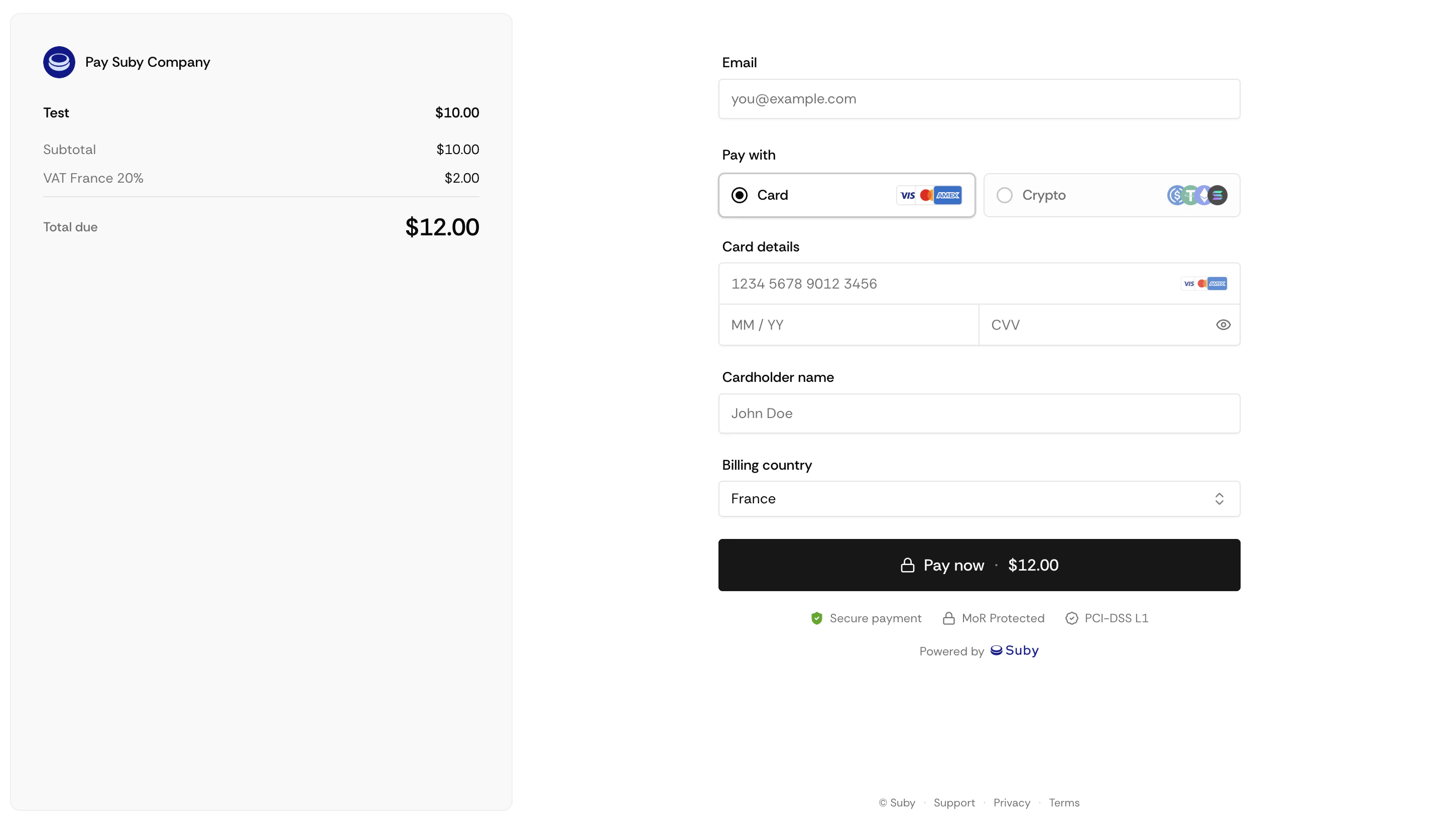
2
Role assigned
The Suby bot assigns the paid role instantly. If the customer is not yet in your server, they receive an invite automatically.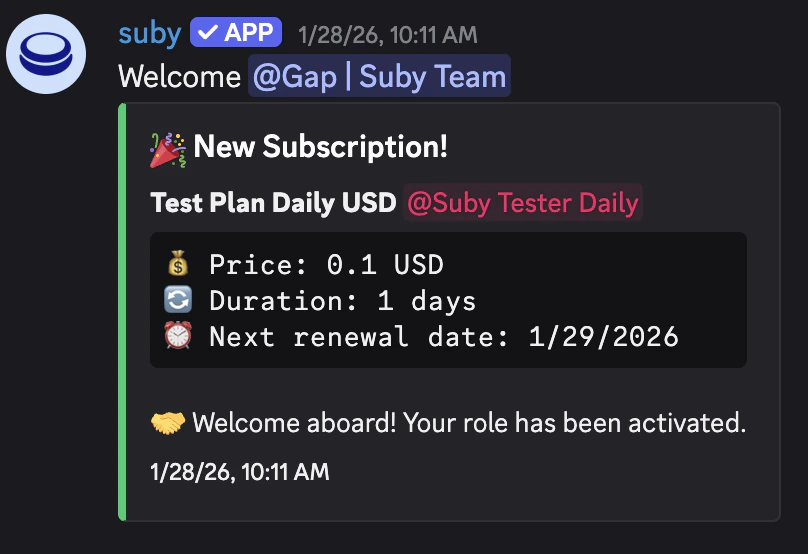
3
Subscription active
Access is maintained automatically for the duration of the subscription. No manual action required.
4
Renewal
On renewal, nothing changes, the role stays assigned and access continues uninterrupted.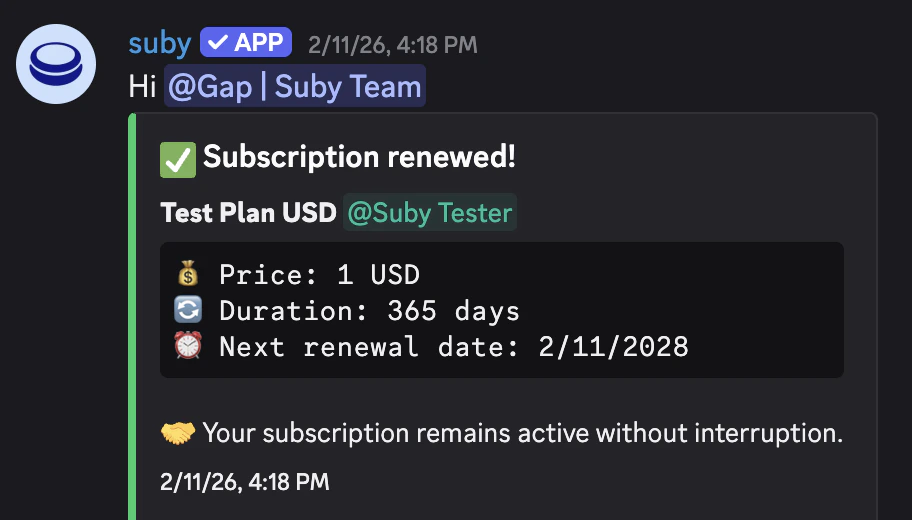
5
Cancellation or failed payment
The role is revoked automatically. The member is notified inside Discord.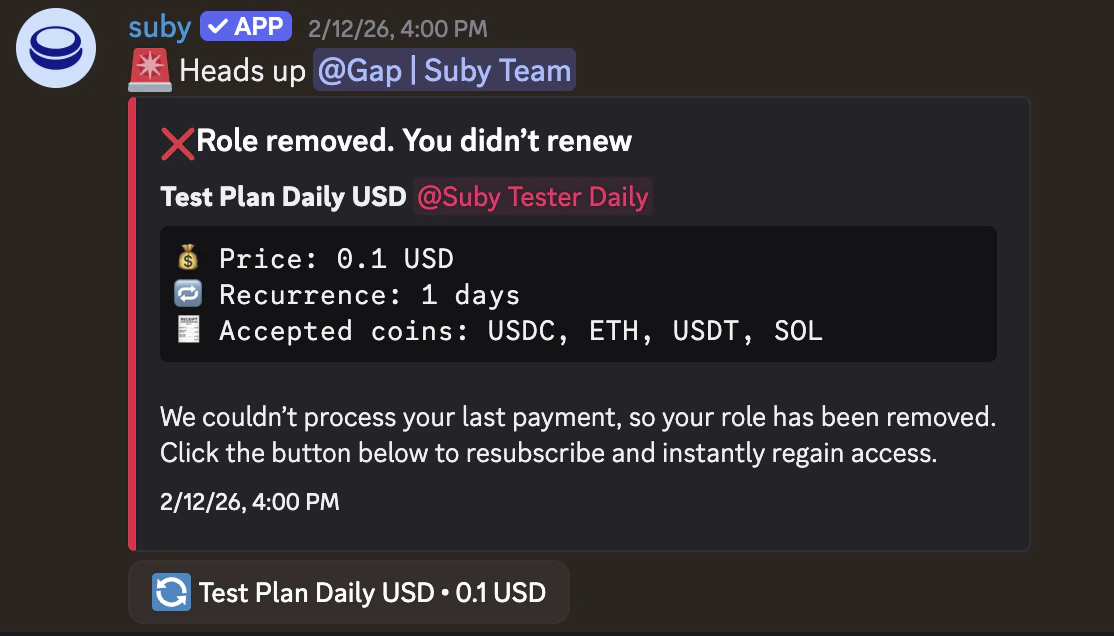
Renewal & Access Removal
Card subscriptions
Card subscriptions
If a card renewal is declined, the role is revoked right away and the member is notified. Suby retries the charge over the next 3 days; if a retry succeeds, the role is given back automatically.
Crypto subscriptions
Crypto subscriptions
Suby sends a renewal reminder 48 hours before the access period ends (24 hours for plans shorter than a month). If you configured a cooldown role, it is added alongside the paid role when the reminder goes out. Without payment by the end of the period, the paid role is removed; the cooldown role stays until the member pays, and paying within 2 days gives the paid role back.
Manual removal
Manual removal
You can manually revoke or grant access at any time from your Suby dashboard, independently of the subscription state.
Free Days
Use the/freedays command to grant temporary access to any user without requiring a payment.
The role is assigned for a fixed number of days and removed automatically when the free period ends. Useful for trials, giveaways, or manual exceptions.