

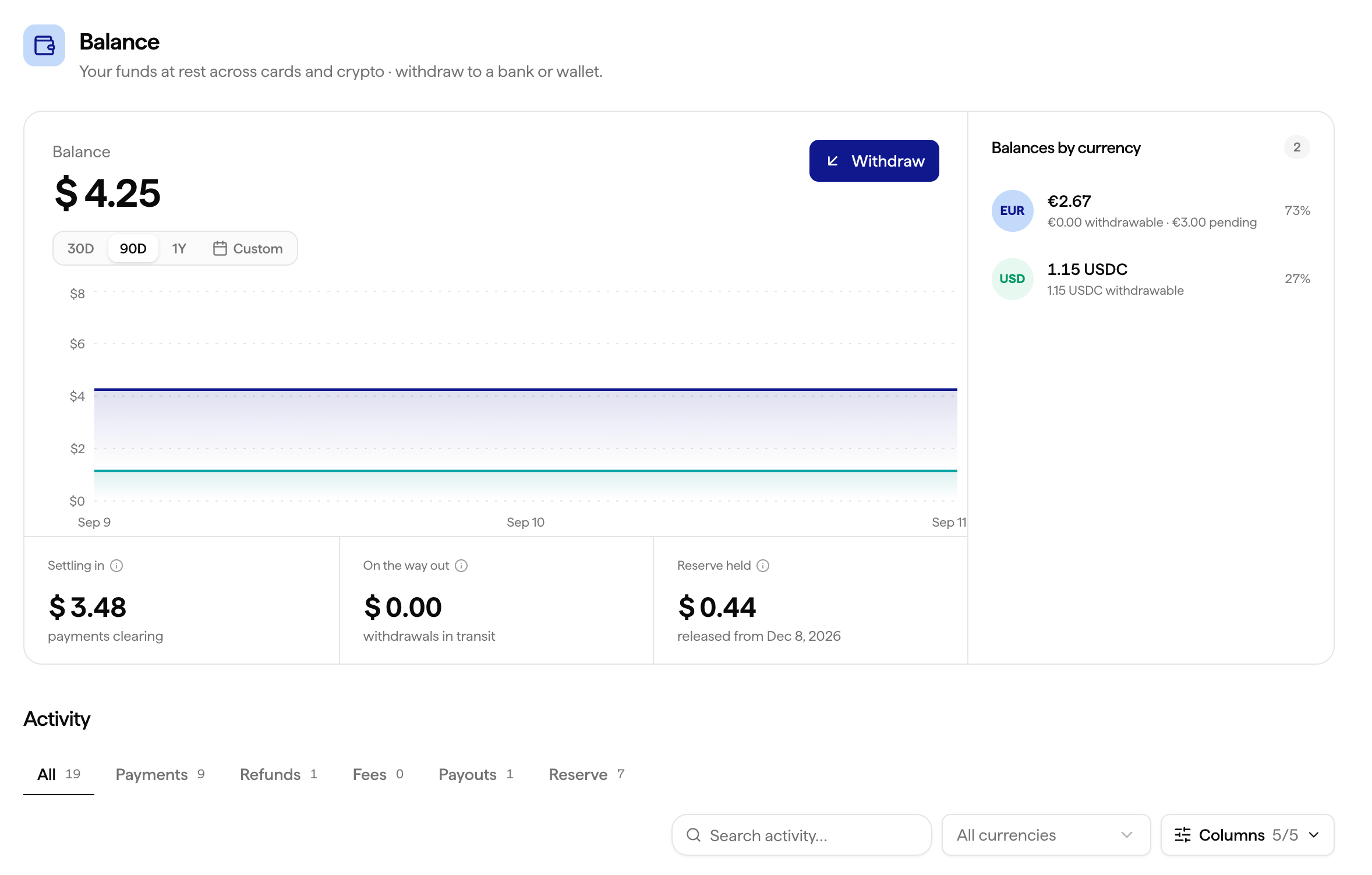
Settled Balance
Settled balance is the amount that has cleared all intermediaries and is ready to withdraw to your bank account or wallet, whenever you choose. You can find the full breakdown in your dashboard, with the amount, date, and the payments included.Pending Balance
Balance stays pending as long as the underlying payment has not been settled by all the intermediaries involved in the payment chain: Visa, Mastercard, banks, and PSPs.1
Settlement in progress
As soon as a payment is made, it enters a settlement period. During this time, the amount appears as pending in your Suby Balance.
2
Status check every 6 hours
Suby automatically checks the settlement status every 6 hours. As soon as the funds are settled by all intermediaries, the amount moves from pending to settled in your balance.
3
Ready to withdraw
Once settled, the amount is part of your available balance. Withdraw it to your bank account or wallet whenever you want, there’s no fixed payout schedule to wait for.
Settlement typically takes 3 to 5 working days, but timing can vary depending on the card networks, banks, and PSPs involved.
Withdrawing From Your Balance
Your Suby Balance is not a bank account or a wallet Suby controls, it’s a running total of what you’re owed. Once an amount is settled, you can withdraw it at any time to your bank account or crypto wallet from Settings → Payouts Setting. There’s no need to wait for a fixed payout cycle, withdraw as often as you like.Why Payments Are Grouped in Your Balance
Instead of tracking every payment individually, Suby consolidates them into a single balance. This keeps your accounting clean and lets you withdraw exactly the amount you want, whenever you want, rather than waiting for individual payments to be paid out one by one. You can always see the full list of payments included in your balance from your dashboard.I Have an Issue With My Balance or a Withdrawal
If a withdrawal is taking longer than expected, missing, or your balance is showing an incorrect amount, contact the Suby support team.Contact Suby Support
Reach us on the support pannel or email.