
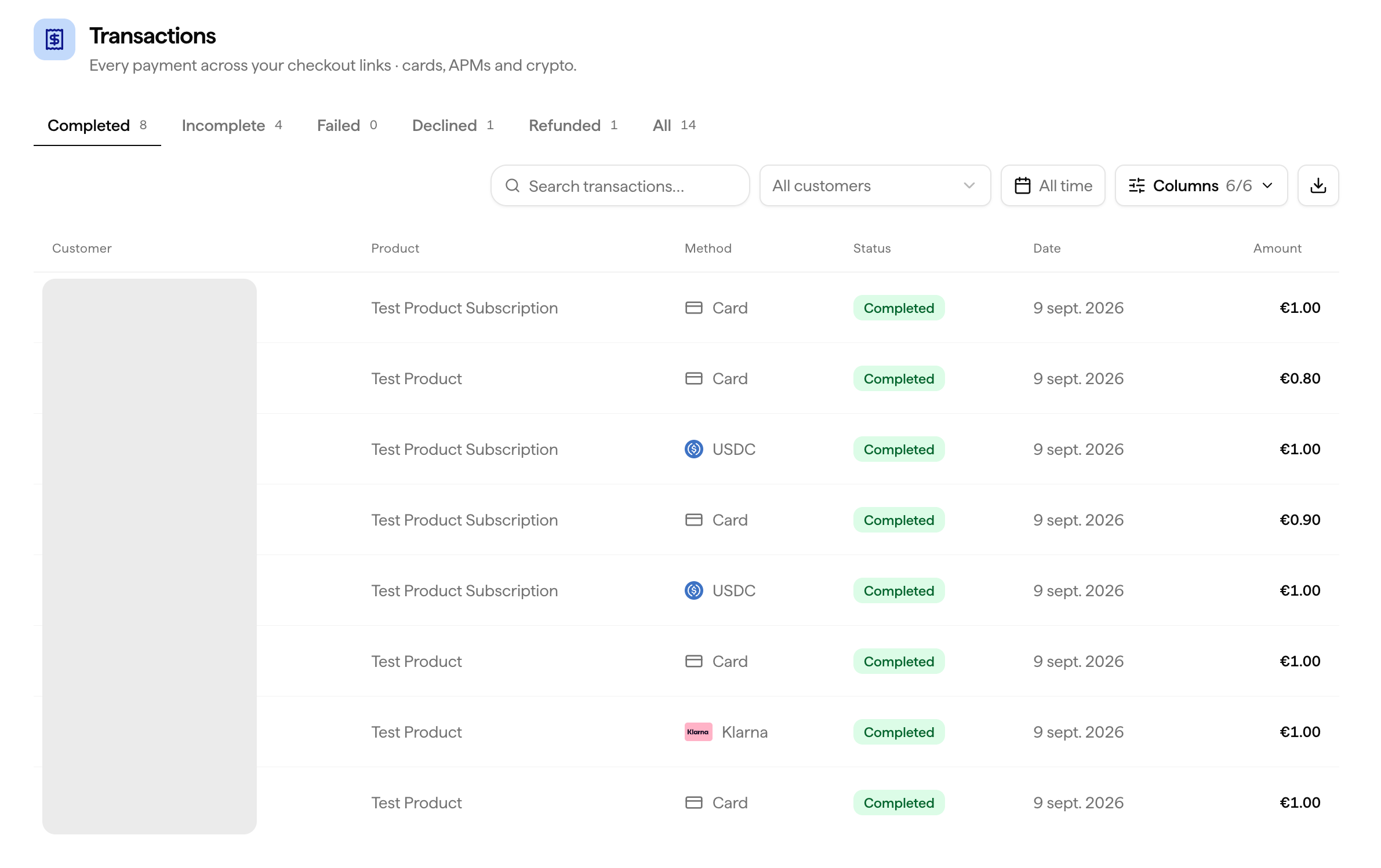
Transaction Statuses
What You Can Do
View Details
Click any transaction to see the full breakdown, amount, fees, customer, product, payment method, and timestamp.
Issue a Refund
Refund any transaction with status
Completed directly from this page.Filter
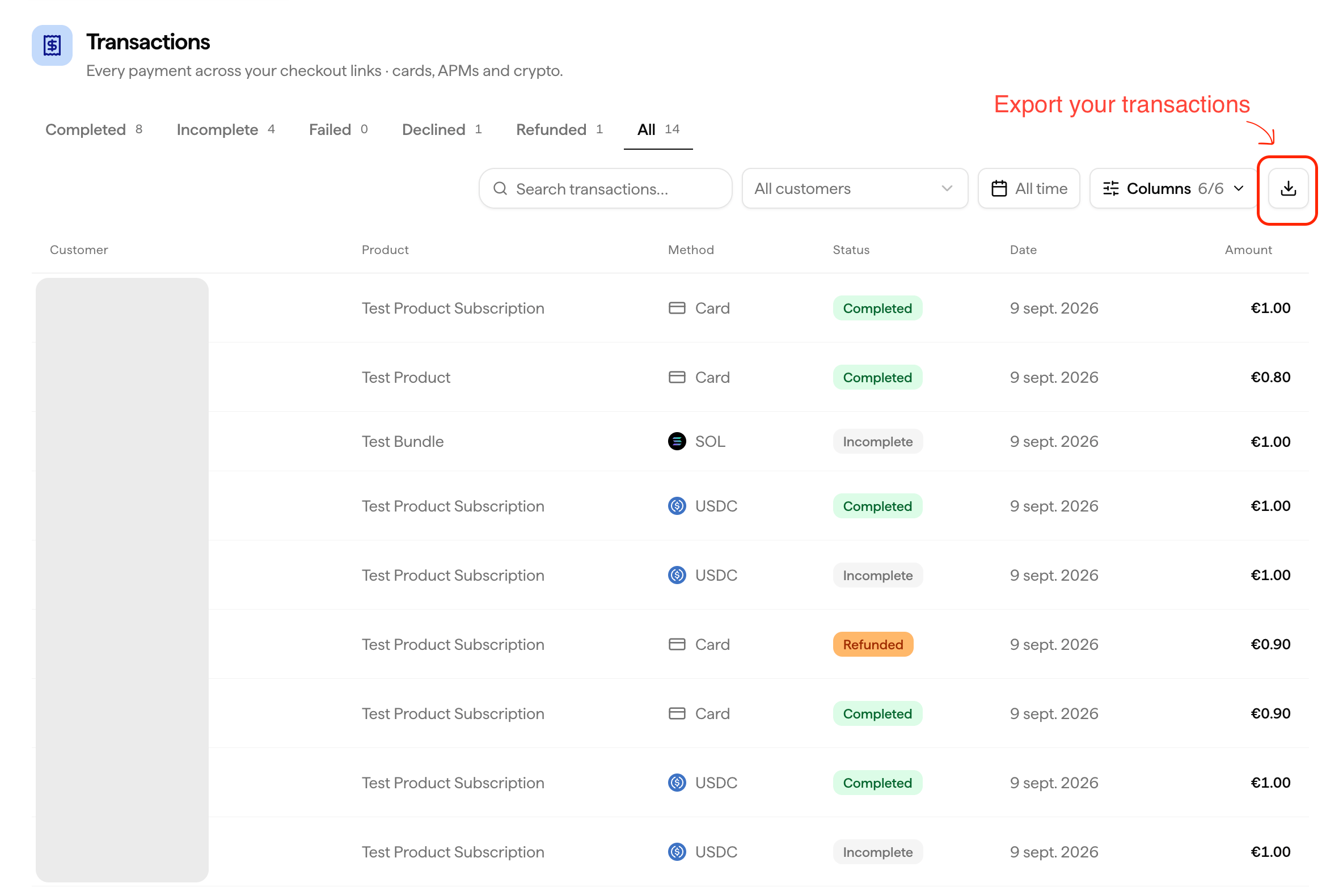
Narrow down by status (Completed, Incomplete, Failed, Declined, Refunded) or by date range.
Export
Download your full transaction log as CSV for accounting, reconciliation, or tax records.
Exporting Transactions
1
Go to Transactions
Navigate to Transactions in your dashboard.
2
Apply filters
Filter by status and period as needed.
3
Export
Click Export and download your CSV.
The export includes all transaction details matching your current filter selection, useful for accounting, reconciliation, or tax records.